Temp Mails Is Now on Firefox Add-ons
The Temp Mails add-on for Firefox puts a temporary email address in your toolbar, with one-click verification codes, an unread badge and no account.
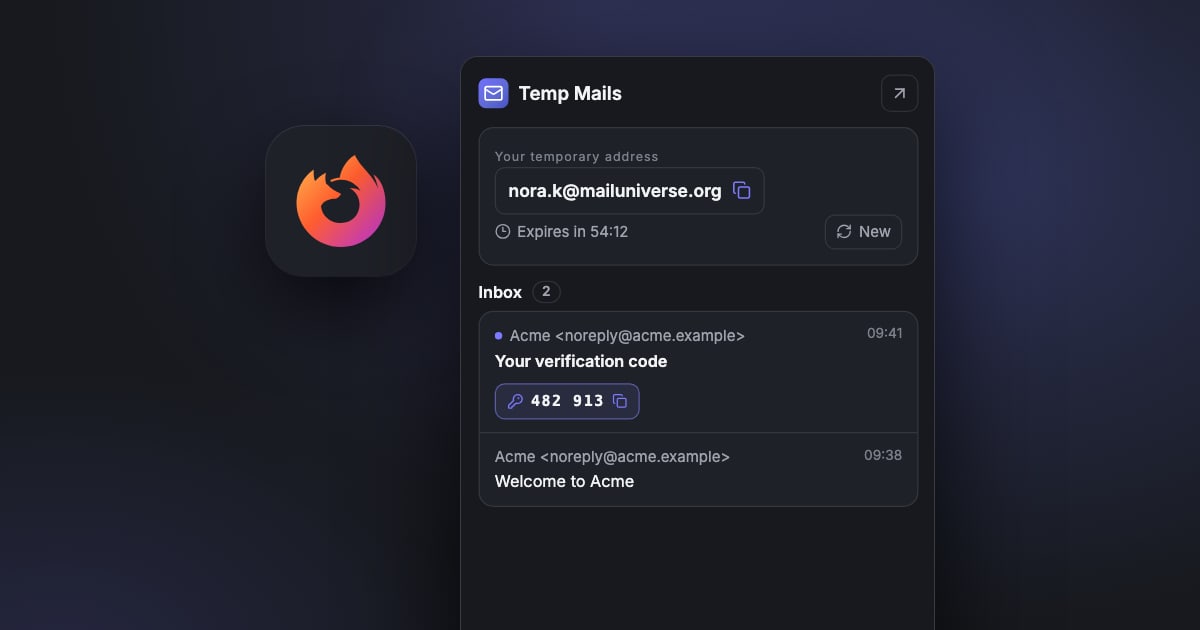
Temp Mails now has an add-on for Firefox. It's the same extension Chrome and Edge users already have: a temporary email address in your toolbar, ready to paste into any sign-up form, with the inbox one click away.
The add-on is free, has no ads and needs no account. Add it to Firefox.
What the add-on does
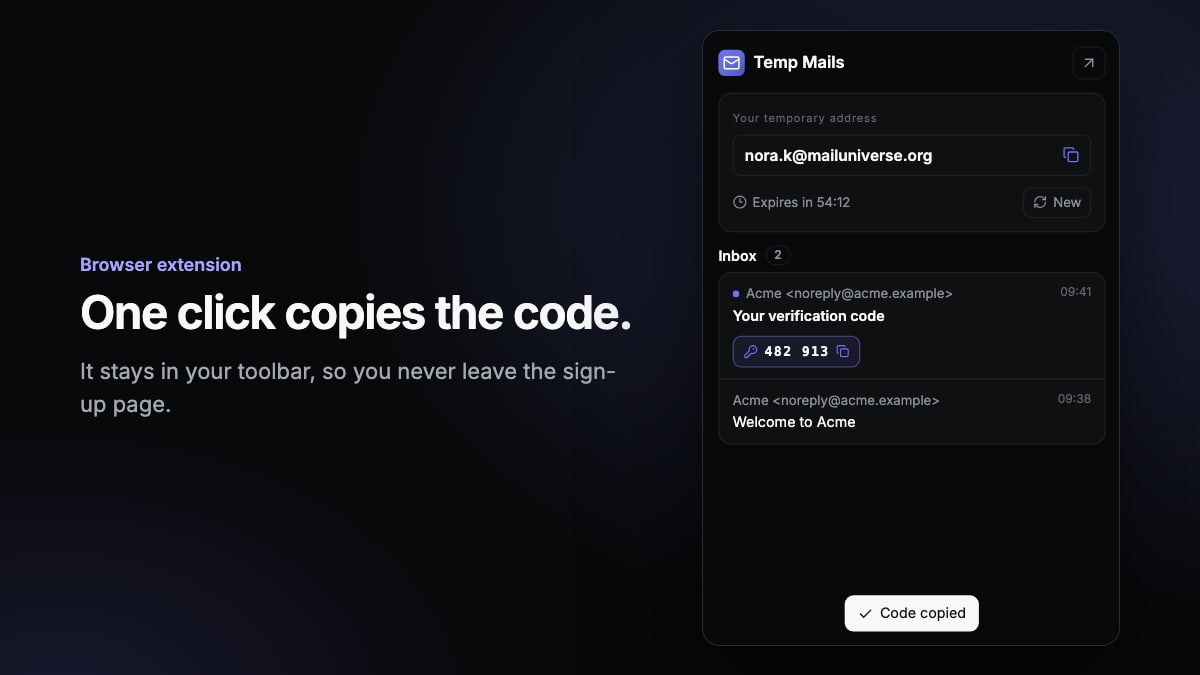
- An address in your toolbar. Click the Temp Mails icon and your temporary address is right there. One click copies it.
- Codes in one click. When a message contains a verification code, it shows up as a button. Click it, and the code is copied, ready to paste back into the page you're signing up on.
- Confirmation links get their own button. No need to scroll through the email to find the right link.
- An unread badge. The icon shows how many new messages are waiting, so you know when the code has arrived without opening anything.
- Several inboxes at once. Keep a few addresses side by side, switch between them, and see the time left on each.
- The full inbox when you need it. The arrow at the top opens the same inbox on tempmails.net, with attachments and the full message view.
It comes with light and dark themes and follows your browser's language.
How it works
- Click the Temp Mails icon and copy the address.
- Paste it into the form where you're signing up.
- Wait for the badge. Open the popup and click the code or link.
- After one hour, the address and everything in it are deleted.
You never leave the tab you're on, which is the whole point. Our guide to getting a verification code without your real email has more on when this is a good idea and when it isn't.
Private by design
The add-on only talks to tempmails.net. It can't read the pages you visit, it doesn't track you, and it doesn't collect any data about you. It also tells Firefox, in its manifest, that it collects no data.
Each inbox has its own private access key, stored in Firefox on your computer. The address, messages and attachments are deleted after one hour, just like on the website. Read more in Is temporary email safe?
Now and then, Temp Mails runs a quick browser check to keep automated abuse out. In the add-on it usually happens in the background. If it needs you, a button opens the check in a tab, and after that you're set for a week.
Which Firefox do I need?
Firefox 140 or newer on Windows, macOS or Linux. That includes the current Firefox ESR. On an Android phone, the Temp Mails app is the better fit.
As with any temporary email, don't use it for accounts you want to keep, like banking or your main email. Once the address expires, you can't receive password resets. Our guide to signing up without spam covers which address to use where.
Using another browser?
The same extension is available for Chrome and Edge, and the website works in any browser.
Add Temp Mails to Firefox, and the next time a site wants your email just to send a code, the address is already in your toolbar.
Need an address right now?
Get a free temporary inbox in one click. No sign-up, and it deletes itself after an hour.
Read next
Temp Mails Is Now on Android
The Temp Mails app is free on Google Play: a disposable email address the moment you open it, with one-tap verification codes and no account.
Temp Mail for Social Media, Games and Apps
Can you use a temporary email for Reddit, Facebook, Snapchat, TikTok, Steam or ChatGPT? What works, what to watch out for, and when to use your own email.
Is Temporary Email Safe? What to Know Before Using It
Temporary email keeps your real address private, but it has limits. Learn what a disposable inbox protects, what it does not, and when to avoid it.