Blog ·
Temp Mails Is Now on Android
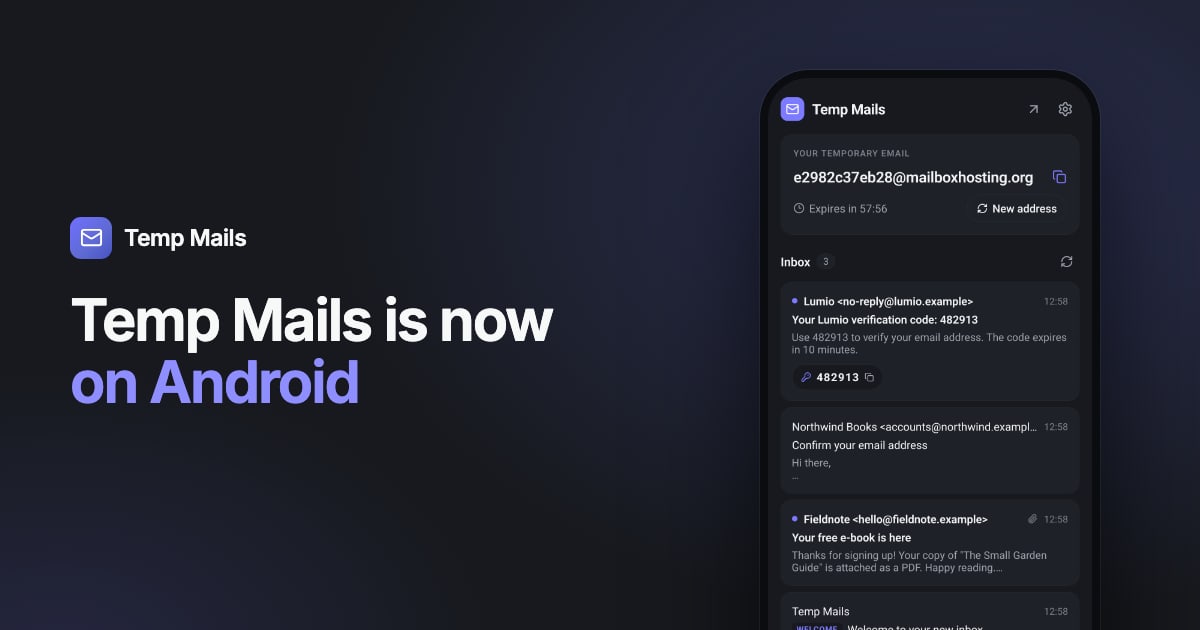
Temp Mails now has an Android app. It does what the website does, in a form that fits your phone: open it, and you have a temporary email address ready to paste into any sign-up form.
The app is free, has no ads and needs no account. Get it on Google Play.
What the app does
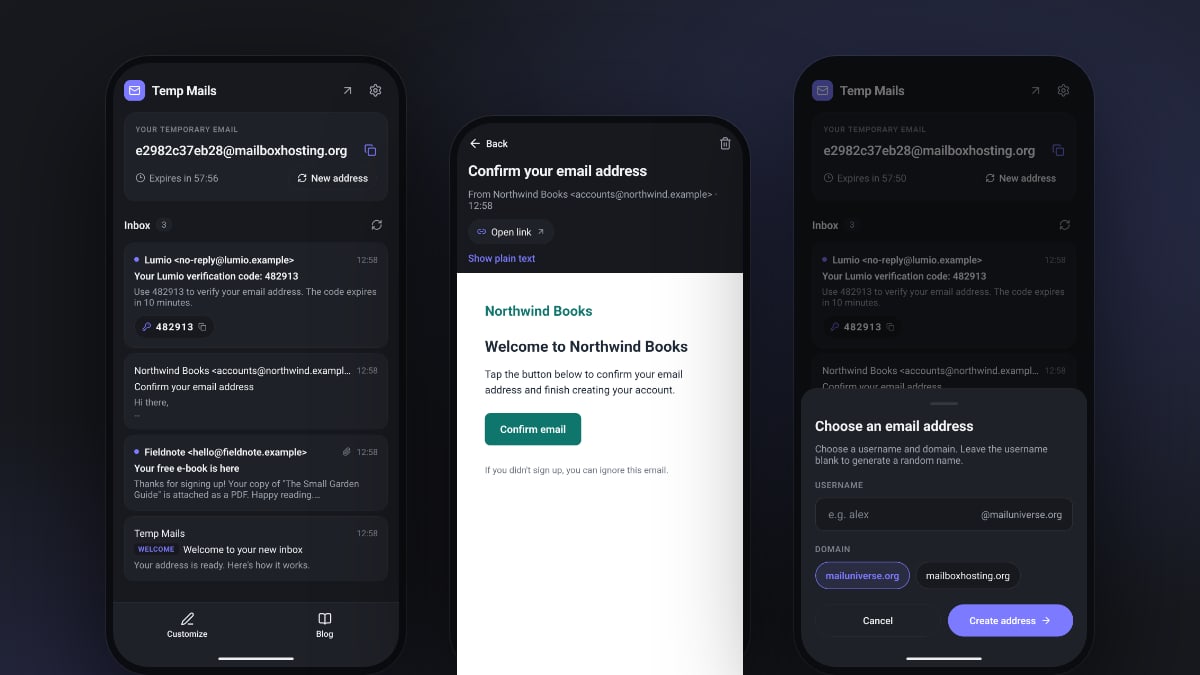
- An address right away. The first time you open the app, a new temporary address is waiting. Tap it to copy.
- Codes in one tap. When a message contains a verification code, it shows up as a button in the inbox. One tap and it's copied, ready to paste back into the app or site that asked for it.
- Confirmation links get their own button. No need to hunt through the email for the right link.
- Your own name, if you want one. Pick a username and domain, or let the app make one up.
- Safe HTML email. Messages are shown without scripts and without remote images, so a newsletter can't track that you opened it.
- Attachments. Save or share PDFs and images through Android's normal share sheet.
- Built for tablets too. Held sideways, a tablet shows the inbox and the open message side by side.
It's available in the same seven languages as the website, with light and dark themes.
How it works
- Open the app and copy the address.
- Paste it into the form where you're signing up.
- Switch back to Temp Mails. New mail appears by itself while the app is open, with any code or link ready to use.
- After one hour, the address and everything in it are deleted.
Need another address? Tap New address. Want the bigger screen? The arrow at the top opens the same inbox on tempmails.net.
Private by design
The app works the same way as the website: no account, no tracking and nothing kept longer than needed. Each inbox has its own private access key stored on your phone, and the address, messages and attachments are deleted after one hour. Read more in Is temporary email safe?
Now and then, the app runs the same quick browser check as the website to keep automated abuse out. Most of the time you won't notice it. If a check needs a tap, it appears under your address with a short explanation.
What it doesn't do (yet)
The app checks for new mail while it's open, but it doesn't send notifications yet. For a verification code that's rarely a problem: you're usually switching straight back to the app anyway.
As with any temporary email, don't use it for accounts you want to keep, like banking or your Google account. Once the address expires, you can't receive password resets. Our guide to signing up without spam covers which address to use where.
On a computer instead?
The Temp Mails browser extension puts the same inbox in your Chrome or Edge toolbar, and the website works in any browser.
Get Temp Mails on Google Play, and the next time an app asks for your email just to send a code, you'll have one ready.
Need an address right now? Get a free temporary inbox in one click, with no sign-up.
Get a temporary email