Blog ·
How to Get a Verification Code Without Your Real Email
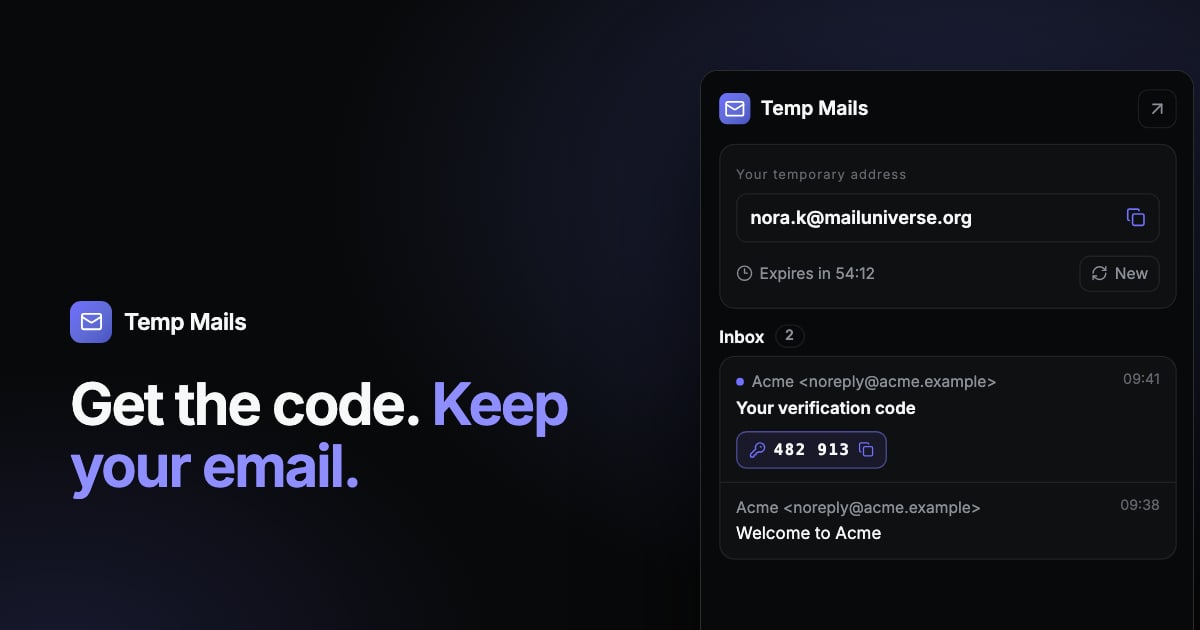
Many websites send a verification code or confirmation link before they let you continue. That makes sense for them, but it also means handing over your email address just to look around.
A temporary inbox lets you receive that code without using your own address. Here's how to do it, what to do when the code doesn't arrive, and when you should use your real email instead.
How to receive a code with a temporary email
- Open Temp Mails. You get an address right away, with no account or sign-up.
- Copy the address and paste it into the form on the site you're signing up for.
- Keep the inbox open and wait for the message. It appears by itself, usually within moments.
- Copy the code or open the link. Temp Mails picks out verification codes and confirmation links, so you can use them with a single click.
- Finish signing up and close the tab. The inbox deletes itself after one hour.
Codes usually expire quickly, so it's best to do this in one go.
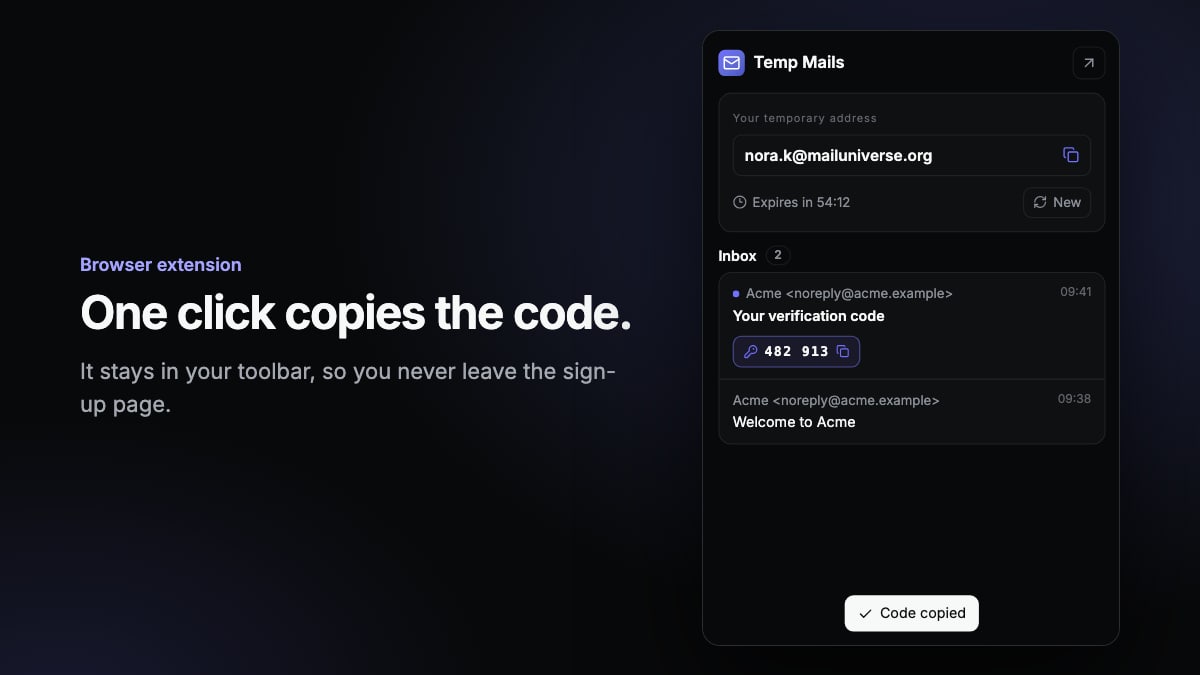
Skip the tab switching with a browser extension
If you do this often, moving between tabs gets tiresome. The Temp Mails extension for Chrome and Edge keeps your address in the browser toolbar. A badge shows when a message arrives, and you can copy the code from the popup without leaving the page you're on.
What to do if the code doesn't arrive
- Wait a minute or two. Some services send mail with a short delay.
- Check the address. Make sure you pasted all of it, with no extra spaces.
- Ask for a new code. Many forms have a resend button. Only use the newest code you receive, as it usually replaces the older ones.
- Try another domain. Some sites block known temporary email domains. Temp Mails lets you pick between domains when you create an address.
- Accept that it may not work. If a site refuses all temporary addresses, you'll need another address to use it.
When you should use your real email
A verification code often does more than confirm a one-time sign-up. It can be the start of an account you'll depend on. Use your real address when:
- You want to keep the account. Password resets and security alerts go to the address you signed up with. Once the temporary inbox is gone, you can't recover the account that way.
- The service is important. Banks, health services, government sites, work and school accounts all need an address you control for the long term.
- You're paying for something. Receipts and order information need to reach you.
A deleted address can also be created again later by someone else, who would then receive any new mail sent to it. That's another reason not to link it to something you care about.
Use it for the right reasons
A temporary inbox is a privacy tool for everyday situations, like avoiding marketing email after a one-time download. It isn't a way around a website's rules. Don't use it to dodge a ban, create accounts in bulk or claim the same offer over and over.
Text message codes are different
Temp Mails only handles email. If a site sends its code by text message, or requires a phone number, a temporary email won't help.
Ready when you are
The next time a site asks you to confirm an email you'd rather not share, open a temporary inbox, copy the code and carry on. New to this? Start with what a temporary email is and when to use one.
Need an address right now? Get a free temporary inbox in one click, with no sign-up.
Get a temporary email