Blog ·
How to Sign Up for Websites Without Getting Spam
Most unwanted email starts the same way: you enter your address to get one small thing, and the messages keep coming for years. You can't avoid every sign-up form, but you can decide which address each website gets.
The trick is to stop treating every site the same. Sort them by how much you care about the account, then choose the right address for each.
Start by asking whether you'll need the account again
Before you type your email, ask one question: will I need to hear from this site later?
- Yes, it matters. Banking, shopping, work or anything you'd hate to lose. Use your real address.
- Maybe. A forum or a service you might use regularly. Use an alias or a secondary address.
- No, it's just this once. A download, a one-time look at an article or a quick test. Use a temporary email.
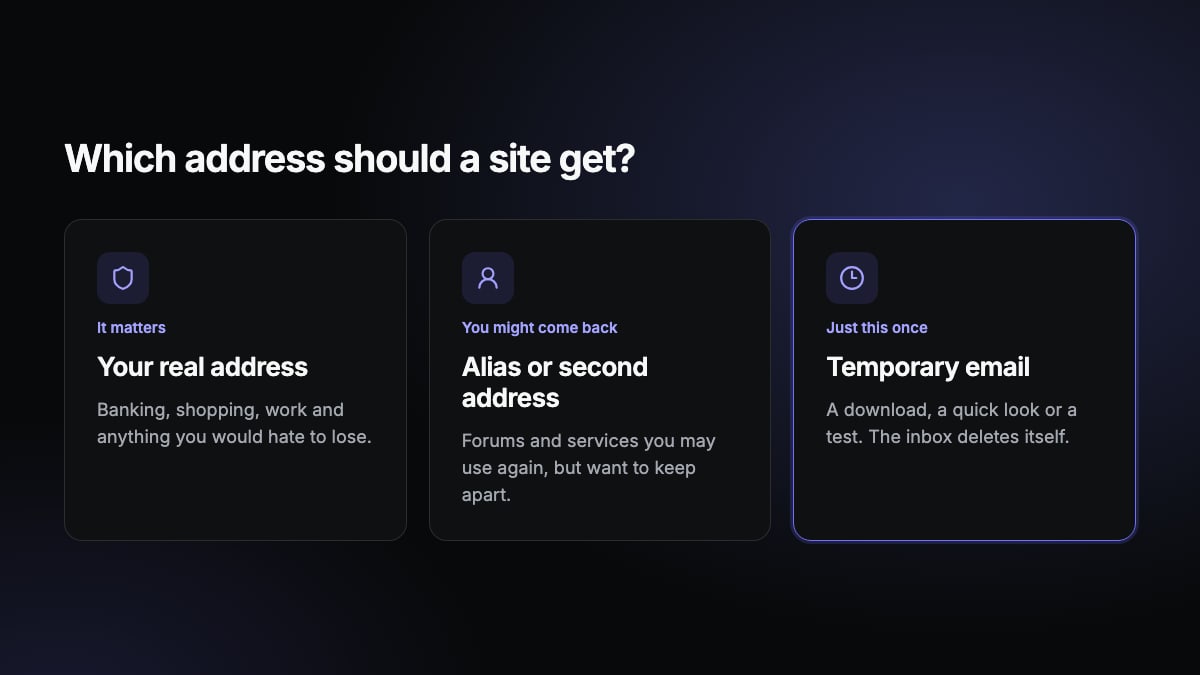
This takes a few seconds, and it does most of the work.
Use a temporary email for one-time sign-ups
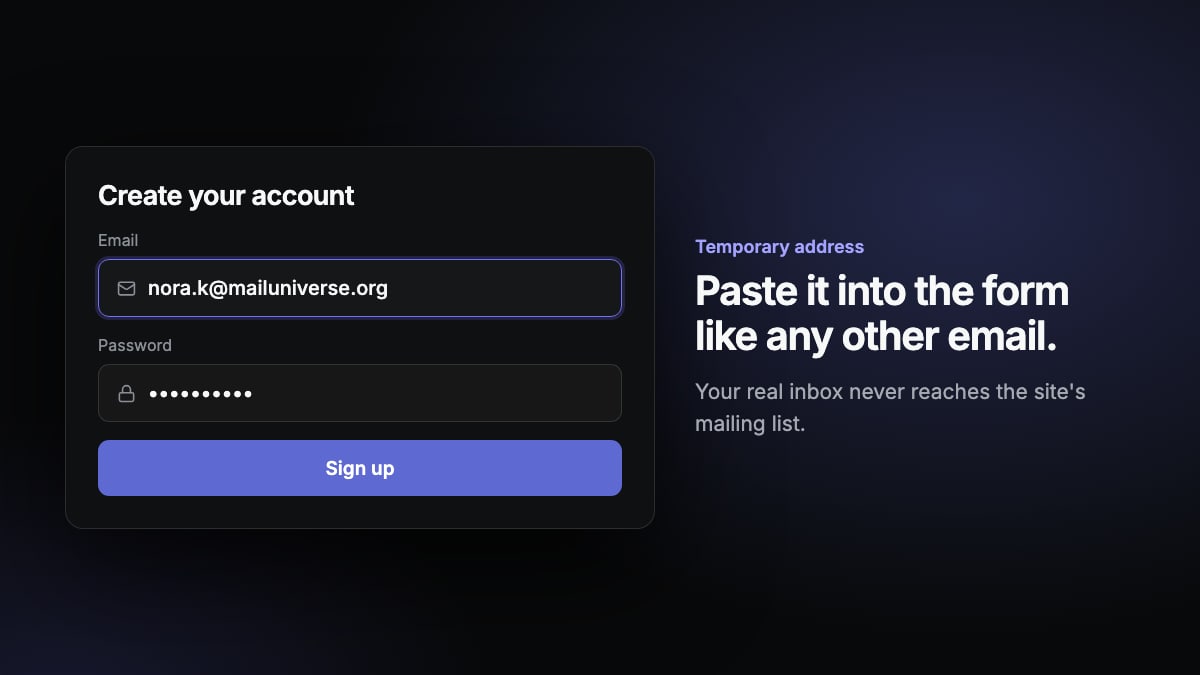
For sites you'll never return to, a temporary email is the simplest option. You get an address in one click, receive the confirmation message, and the inbox deletes itself. With Temp Mails, that happens after one hour, and any marketing sent later goes nowhere near you.
Don't use this for anything you'll want to get back into. If you lose access to the inbox, you can't reset the password. And some sites refuse disposable addresses, so it won't work everywhere.
Use an alias for accounts you'll keep
An email alias forwards messages to your real inbox while hiding your actual address. Many email providers and password managers offer them. Because each site gets its own alias, you can turn one off when it starts sending junk.
Some email services also support plus addressing, such as yourname+shop@example.com. It lets you filter messages and spot who shared your address, but it's easy for senders to remove the part after the plus sign, so it hides less than a real alias.
Keep a second address for low-priority mail
A separate free address for newsletters, shops and accounts you don't care much about keeps your main inbox clean. You can check it when you feel like it, and nothing important gets buried. It takes a little setup, but it's useful for accounts that should last.
Look closely at the sign-up form
A few small habits help whatever address you use:
- Untick the marketing box. Many forms include a newsletter option. Some are ticked by default.
- Look for a guest option. Many shops let you check out without creating an account.
- Consider whether you really need it. If the content isn't worth an email address, close the tab.
What to do with the spam you already get
Moving new sign-ups elsewhere won't clear what's already coming in. For existing mail:
- Unsubscribe from real companies. Legitimate senders have a link at the bottom of their emails, and many email apps show an unsubscribe button at the top.
- Mark the rest as spam. Don't click links in suspicious messages or reply to them, since that can confirm your address is active. Your email provider also learns from what you report.
- Use filters. Rules can send repeat senders straight to a folder.
A simple routine that works
Real address for what matters, an alias or second address for what you'll keep, and a temporary inbox for everything you'll use once. The next time a site asks for your email just to show you something, get a temporary address and move on.
Need an address right now? Get a free temporary inbox in one click, with no sign-up.
Get a temporary email